

What an m3u8 file actually is
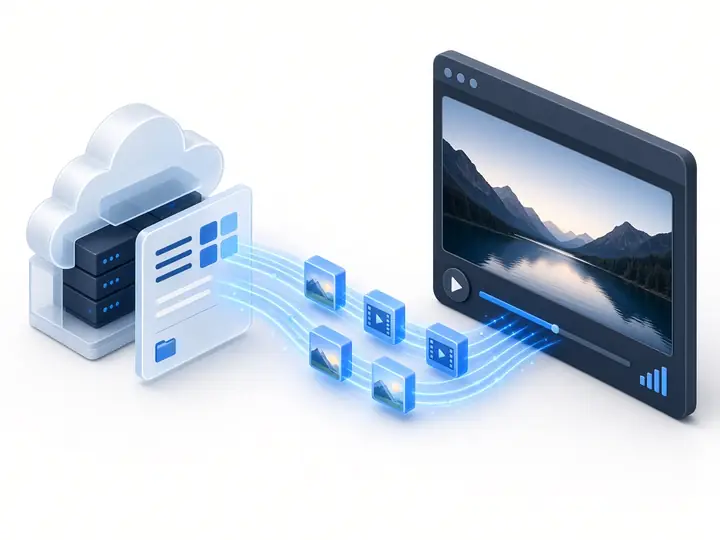
An m3u8 file is a plain text playlist. It does not contain video. It contains a list of short segments — usually two to ten seconds each — plus a few tags that tell the player how those segments fit together; you can read an m3u8 playlist without playing it. The .m3u8 extension means the list itself is UTF-8 text; the m3u part is the old Winamp playlist format it grew out of. Apple defined this combination, and an HLS player is what reads it. If you want the deeper comparison, HLS is the protocol and m3u8 is the file that describes it.
Because the file is only a list, playing it requires three things: a player that understands HLS, network access to the segments, and permission from the server hosting those segments. This page supplies the first two.
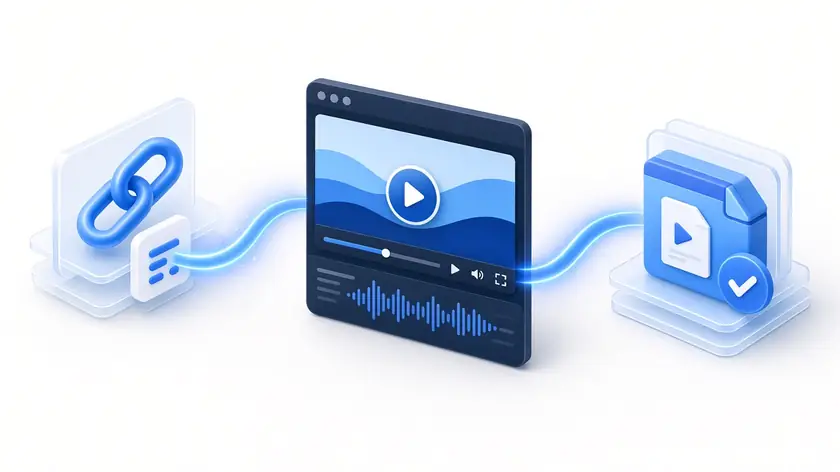
How to play an m3u8 link
- Copy the playlist URL. It ends in
.m3u8and usually looks likehttps://example.com/live/stream.m3u8. If you were given a page address instead of a file address, that page is not a playlist and will not play. - Paste it in the box above and press Play. The player fetches the playlist, reads the segment list, and starts buffering.
- Watch the readout. Resolution, segment count and buffer tell you whether the stream is healthy. A resolution that keeps changing means the stream is switching quality levels, which is normal for HLS.
There is no upload step and no queue. The URL is opened by your browser directly, so playback depends on your connection to that server, not on ours.
Why some links refuse to play
Most playback failures are not player bugs. They are cross-origin rules. A browser will only let a page read data from another domain when that domain sends an Access-Control-Allow-Origin header. Broadcasters and CDNs often restrict that header to their own website so their streams cannot be embedded elsewhere. When that happens, the player reports a network error and the picture stays black — the stream is fine, but the browser is not allowed to read it.
Two more cases worth knowing:
- Encrypted streams. Some playlists declare AES-128 encryption and point to a key file. Browsers will attempt this only if the key is served with permissive headers; a protected stream is otherwise unplayable here by design, and this tool does not attempt to bypass it.
- Codec mismatch. HLS allows HEVC and AC-3 audio. Many desktop browsers do not decode those in a web player, so audio may be silent or video may not start even though the playlist loaded.
What the readout means
| Field | What it shows |
|---|---|
| Resolution | The height of the quality level currently playing, in pixels |
| Segments | How many media segments the playlist lists, or live for a rolling window |
| Buffer | Seconds of video currently downloaded ahead of the playhead |
| Engine | hls.js for most browsers, native HLS on Safari and iOS |
A buffer that keeps falling to zero with a spinning player almost always means the segment server is slow or geographically far from you, not that the playlist is broken.
A link is not a file
People often arrive with the wrong object. A playlist link is a set of instructions; the segments are the actual media. If your goal is to end up with a playable file, you need the segments, and that is a different job with different limits — you can convert m3u8 to MP4 or join .ts segments into MP4. If your goal is only to check whether a source is alive, playing it here is the fastest way, because nothing is written to disk.
What this tool will not do
This player does not record, download, decrypt or re-host anything; the other browser tools for m3u8 files each have their own limits. It does not proxy your traffic through our servers, which is exactly why your playlist URL never appears in our logs and why we cannot troubleshoot a private link for you. It reads public playlists that the browser is already allowed to open. To edit a playlist before playing it, use the editor instead. If a source is subscription-protected or region-locked, that is a boundary we respect rather than a puzzle we solve.